
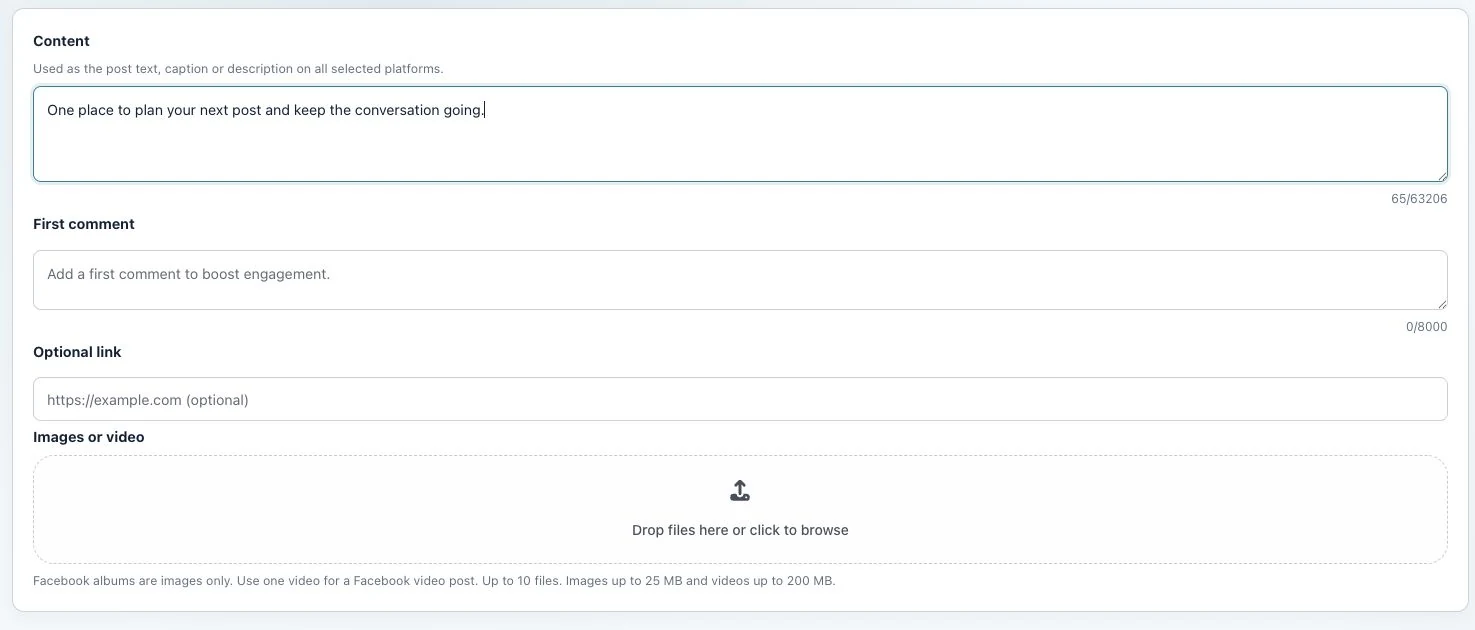
Utin supports social media publishing to Facebook, Instagram, Threads, TikTok and YouTube. The publishing workflow sits inside the relevant workspace so operators can keep brands and client accounts separated.
Supported publishing networks
| Network | Publishing |
|---|---|
| Supported | |
| Supported | |
| Not currently supported | |
| Threads | Supported |
| TikTok | Supported |
| YouTube | Supported |
| X | Not currently supported |
| Not currently supported | |
| Google Business Profile | Not currently supported |
Specific post formats, placements and media requirements still depend on each network. Utin marks some formats as coming soon. Confirm a critical format before moving a production calendar.
Why company context matters
The expensive publishing mistake is often not a missing feature. It is selecting the wrong profile while moving quickly between brands. Utin uses company-based workspaces to keep connected profiles and the surrounding operating context together.
That becomes especially useful for agencies managing multiple client accounts and internal teams coordinating several brands.
Publishing is one part of the work
A post can create comments, direct messages, useful performance signals or a candidate for paid distribution. Utin keeps publishing close to the supported social inbox, analytics and paid campaign operations.
This does not automate the creative judgment behind the post. Utin does not currently claim AI content generation or approval workflows. It provides the day-to-day workspace for content that is ready to publish.
A practical publishing setup
- Create the correct company for the client or brand and one or more workspaces within it.
- Connect only the profiles that belong to the selected workspace.
- Confirm the required network formats.
- Publish finished content from the correct company context.
- Review conversations and performance after publication.
- Decide whether a supported post should inform paid distribution.
Get started
Start publishing with Utin and identify the network, account and workspace mix your team manages.
See all Utin product capabilities or compare the operating model with other social media management platforms.
See how an agent can turn a brief into channel-ready posts and schedule them in Utin.
Working directly in the app? Read Create and publish a post.