
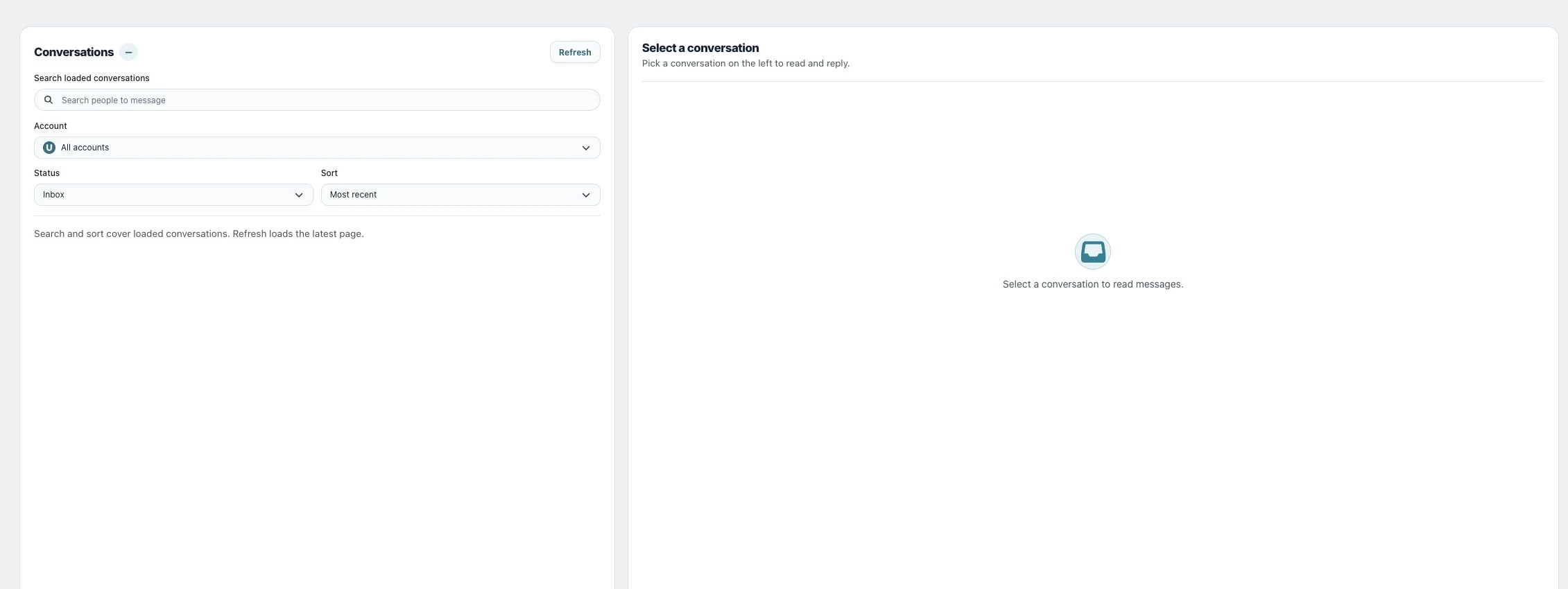
A social media inbox is useful when it reduces account switching without hiding network limitations. Utin brings supported comments, Facebook and Instagram direct messages, and Facebook reviews into the relevant company workspace.
What the inbox supports
| Conversation type | Utin support |
|---|---|
| Supported social comments | Available where documented and permitted by the network |
| Facebook direct messages | Supported |
| Instagram direct messages | Supported |
| Facebook reviews | Supported |
| Direct messages on Threads, TikTok and YouTube | Not currently claimed |
| Reviews from Google Business Profile | Not currently supported |
The underlying platforms determine which messages, replies and actions their APIs expose. Test the exact conversation type your team considers essential.
Keep the company boundary intact
Agencies and multi-brand teams should not mix customer conversations between clients. The company workspace keeps connected accounts and supported inbox activity inside the correct operating context.
For an agency-specific model, read social inbox for agencies.
Connect conversations to action
Inbox work should influence more than response time. Questions and objections can reveal:
- topics that need clearer organic content;
- posts that attract high-intent responses;
- recurring questions suitable for a supported Meta automation;
- campaign messages that create confusion;
- issues that require a human owner.
Utin keeps that evidence close to publishing, Meta automations and analytics.
A workable inbox routine
- Filter work by company before opening conversations.
- Prioritize messages that affect delivery, sales or reputation.
- Respond within the supported network context.
- Record recurring questions as content or automation candidates.
- Review whether paid campaigns are creating the right conversations.
Get started
Manage conversations with Utin and confirm the comment, message and review types your operation needs.
Review all Utin product capabilities.
See how an agent can sort comments and messages and prepare replies.
Working directly in the app? Read Read and reply to direct messages.