
Before you start
You need permission to manage connections and access to the provider account. Check scheduled work and automations before disconnecting.
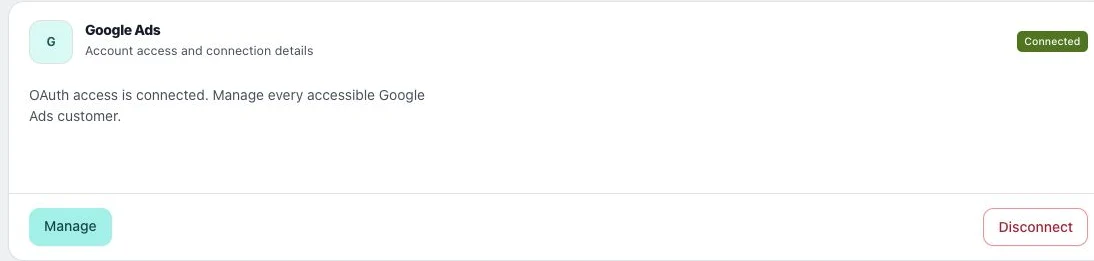
1. Find the account
Open Add Connections in the correct workspace. Read the account name and status, and note any provider error that led you here.
2. Reconnect through the provider
Use the provider’s connection option and sign in with the identity that owns or administers the account. Review permissions and return to Utin. Check that the intended account appears before retrying failed work.
3. Disconnect when access should end
Choose Disconnect on the intended account and read the confirmation. For advertising connections, campaigns already running at the provider are not paused or deleted by disconnecting Utin. Manage them before removing access.
Check the result
Check the connection list again. Reconnection restores authorization; it does not automatically prove that every earlier failed action succeeded.
If something does not work
If access still fails, check your role at the provider and permissions granted to Utin. Investigate uncertain publishing outcomes before retrying to avoid duplicates.