
Before you start
You need Content permission and a connected account to publish from. Have your text, images or video ready, and make sure you have permission to use them.
1. Choose the account
Open Posts → Create post. Select your Instagram account. Instagram requires media. Choose images for your image post or carousel, or an appropriate video for a Reel; use only combinations accepted by the composer. Choose Continue.
2. Add content and choose settings
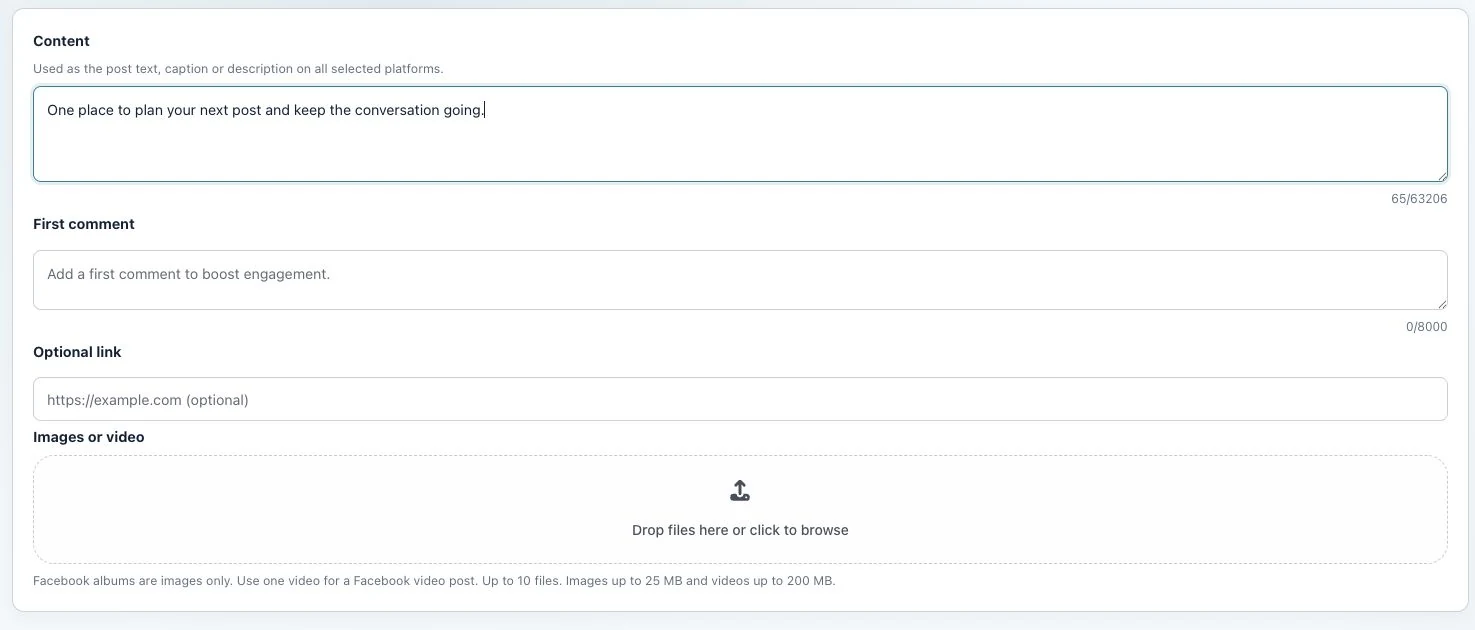
Write the caption in Content and add the media. Review the Instagram panel under Platform settings, including the AI-generated label when applicable. Check the upload order for a carousel before publishing.
3. Choose when to publish
Select Publish now and click Publish to publish now. To publish later, choose Schedule for later, set the date, time and Timezone, then click Queue. Choose Create draft to save without publishing or scheduling.
Check the result
Check the status for each account. Find published posts under Published and scheduled posts in Queue Calendar. If a post is still processing, publication has not yet been confirmed.
If something does not work
If you cannot click the button, read the error message and check your media, required fields and selected accounts. If the result is unclear, check whether the post already appears on that platform before trying again. Avoid publishing a second copy to accounts where it is already live.