
Before you start
You need Engagement permission and access to the connected account. Choose the right workspace before opening conversations or comments.
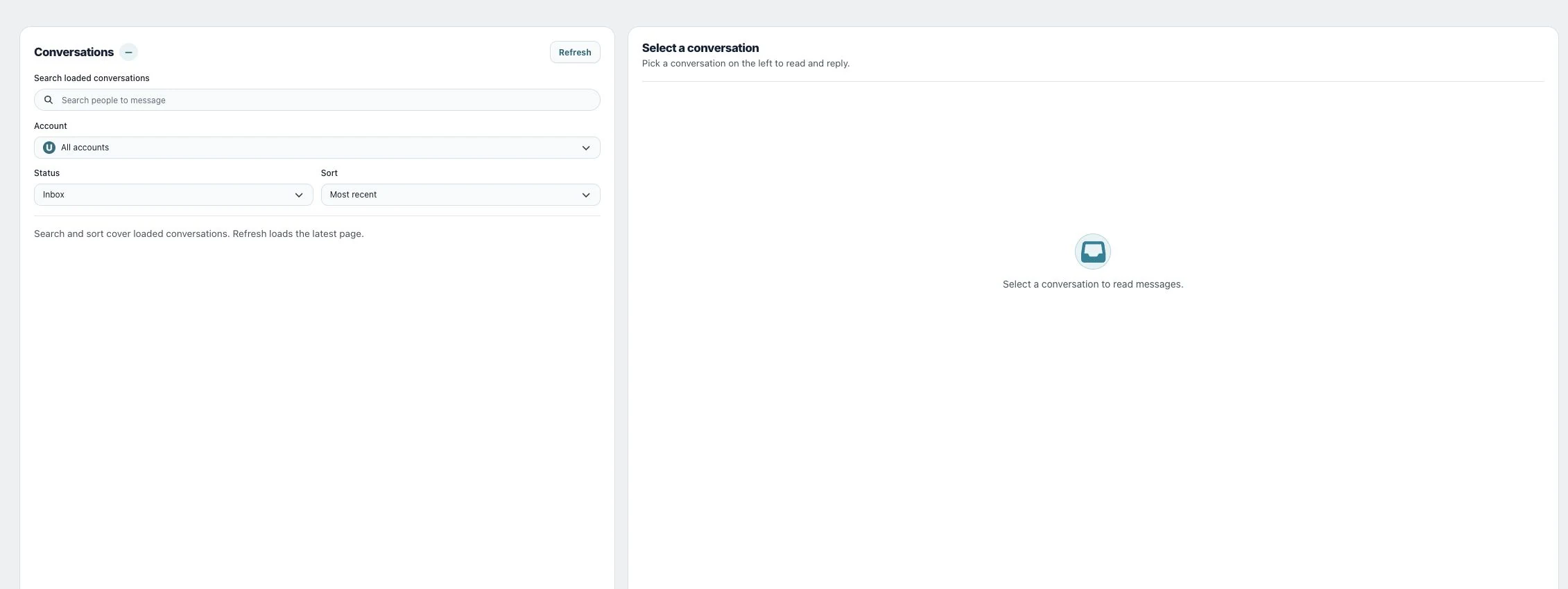
1. Find the conversations to follow up
Open Inbox and filter by Account and Status. Sort the loaded list to match the work you are doing, and load more conversations when you need older context.
2. Use conversation actions
Open a conversation and its Conversation actions menu. Use Mark read for reviewed items or Mark as spam for unwanted conversations. Check the current account before applying the action.
3. Delete, restore or mark as spam
Delete hides a conversation from the Utin Inbox while retaining its message history. Select Status → Deleted and use Restore to return it to Inbox. Mark as spam instead requests spam handling on Facebook or Instagram when possible and removes the conversation from Utin; do not treat it as ordinary archiving.
Check the result
Return to the relevant filtered list and check that the conversation is shown in the expected state.
If something does not work
If a conversation disappears after an action, check the Status filter before assuming it was lost. Refresh and load additional pages when looking for older conversations.