
Before you start
You need Engagement permission and access to the connected account. Choose the right workspace before opening conversations or comments.
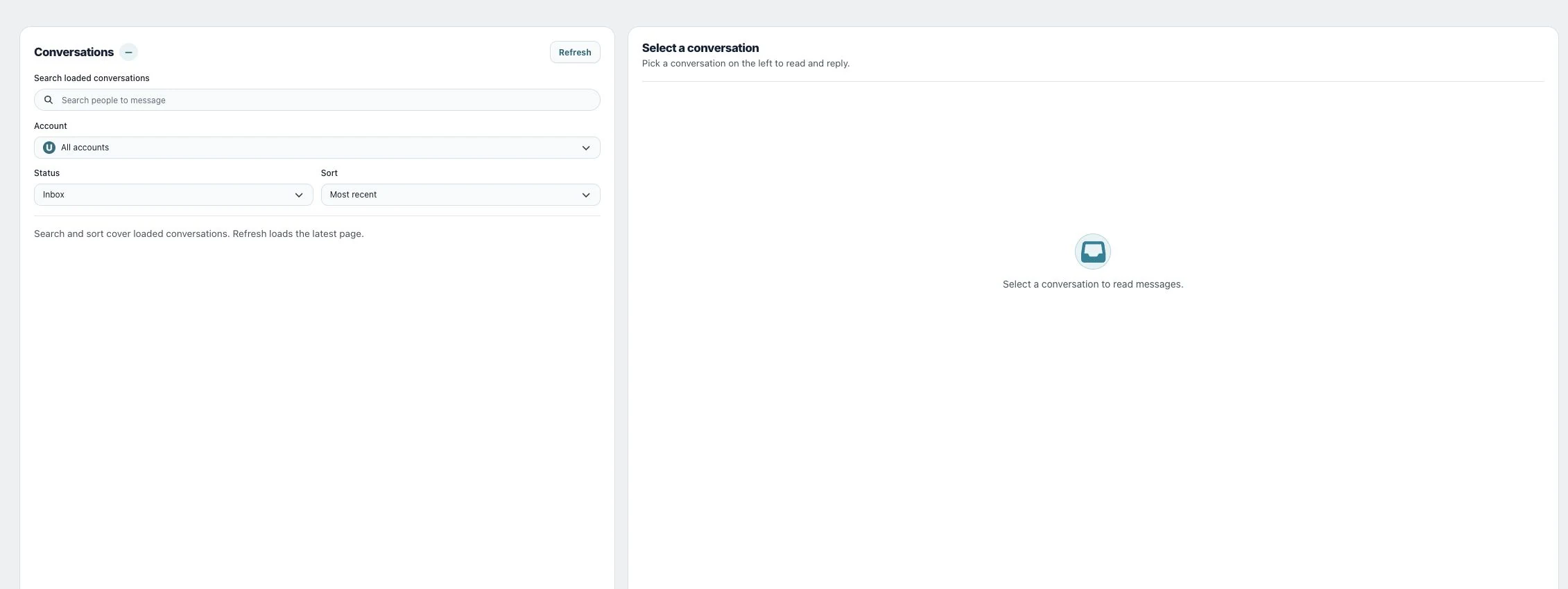
1. Find the conversation
Open Community → Inbox Messages. Select Account, Status and Sort as needed. Use Refresh to load the latest page and Load more conversations for older items. Search and sort cover the loaded conversations.
2. Read the context
Select the conversation and read earlier messages before drafting. Check the account identity and any messaging-window notice so the reply comes from the right brand.
3. Compose and send
Write the reply, optionally use Attach an image or video or Add emoji, and review it before choosing Send. Wait for the result instead of sending the same message again immediately.
Check the result
The outgoing message should appear in the intended thread. Check any delivery status separately from the text appearing in the composer.
If something does not work
If you cannot send, check the account, message text and any notice about the time limit for replies. The platform may require the contact to send a new message before you can reply again. If a search returns no results, load more conversations and search again.