
Before you start
You need Automations permission and a connected Facebook or Instagram account. Find the saved automation you want to review and check which account it uses.
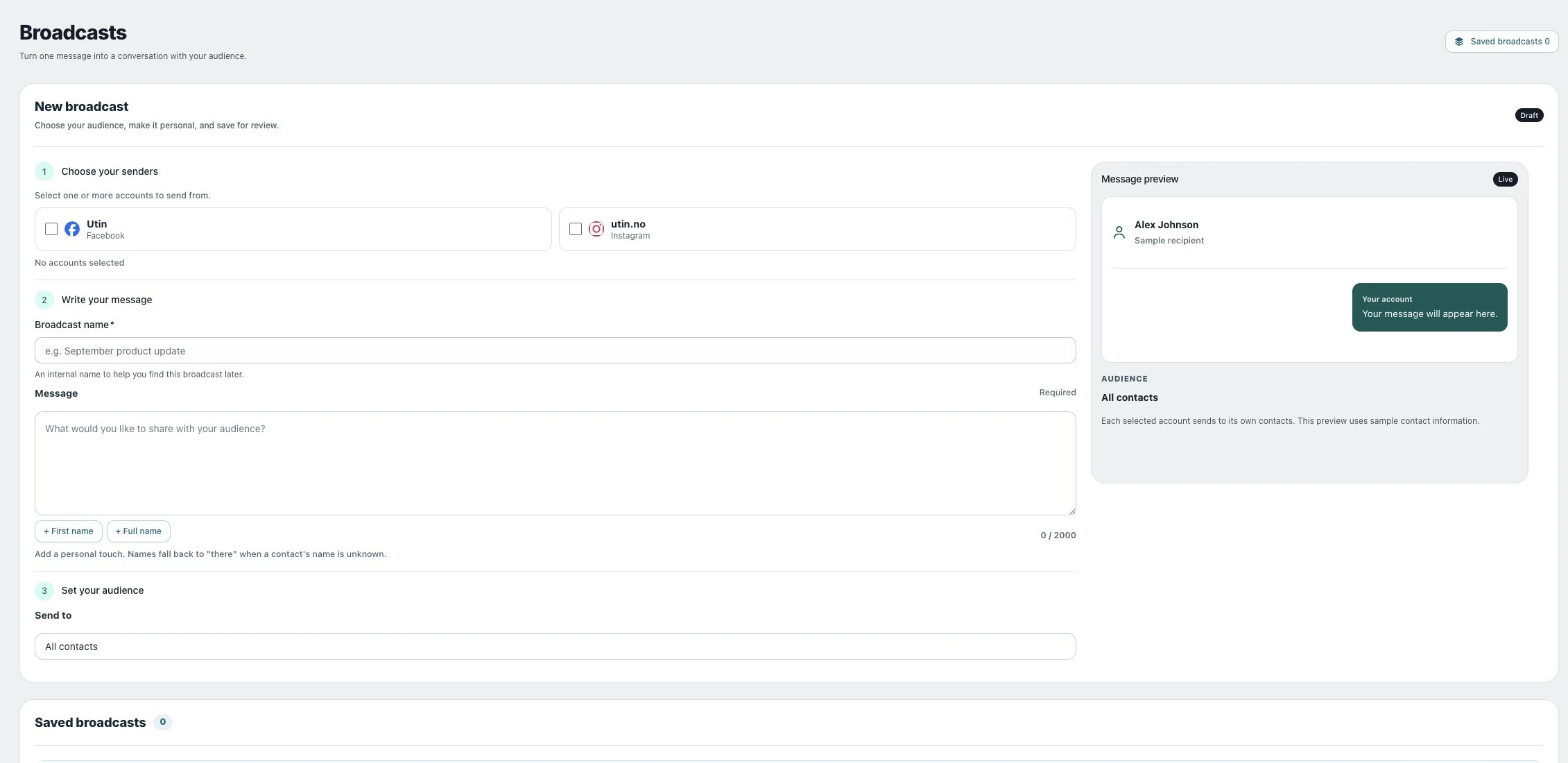
1. Open the original automation
Use Comment-to-DM, Broadcast or Sequences to inspect the saved item. Confirm its sender, status and audience rather than relying only on a dashboard total.
2. Understand the statuses
For comment-to-DM, compare Commenters, DMs sent and Failed. For broadcasts, Accepted means the platform accepted the message; Delivered means Utin received a delivery confirmation. For sequences, check which contacts have been added and which are waiting for new activity. None of these statuses confirms that the recipient has read the message.
3. Resolve the reported cause
Check connection access, selected posts, trigger tags and current messaging eligibility. Correct a definite error before another attempt. For Unknown broadcast results, check the conversation and provider state before Retry unknown.
Check the result
Follow the same saved automation after corrective action so you can distinguish new progress from the old counters.
If something does not work
A message remains unconfirmed until the platform sends a delivery receipt, even if you wait or reconnect the account. Share the visible error through Send feedback when you cannot identify the cause.