
An agent can work through new comments and messages and reply based on the topic or guidance you provide.
Utin supports comments from connected Facebook, Instagram, Threads and YouTube accounts, Facebook and Instagram messages, and Facebook reviews.
What you’ll achieve
The agent will answer the new comments and messages you choose in Utin.
Before you start
Complete the MCP setup. If you have a preferred tone, product information or reply guidelines, have them ready. Otherwise, the agent can respond from the context of each conversation.
1. Tell the agent what to answer
Choose a workspace and tell the agent what kinds of messages to answer. You can give it a topic and useful context, or simply ask it to reply naturally based on each conversation.
Prompt to copy
Reply to new comments and messages [about topic] in [workspace].
Respond naturally and appropriately based on the context of each conversation.
2. Let the agent send the replies
If you include a topic, the agent answers matching conversations. If you leave it out, it works through all new comments and messages it can access.
3. Check the result in Utin
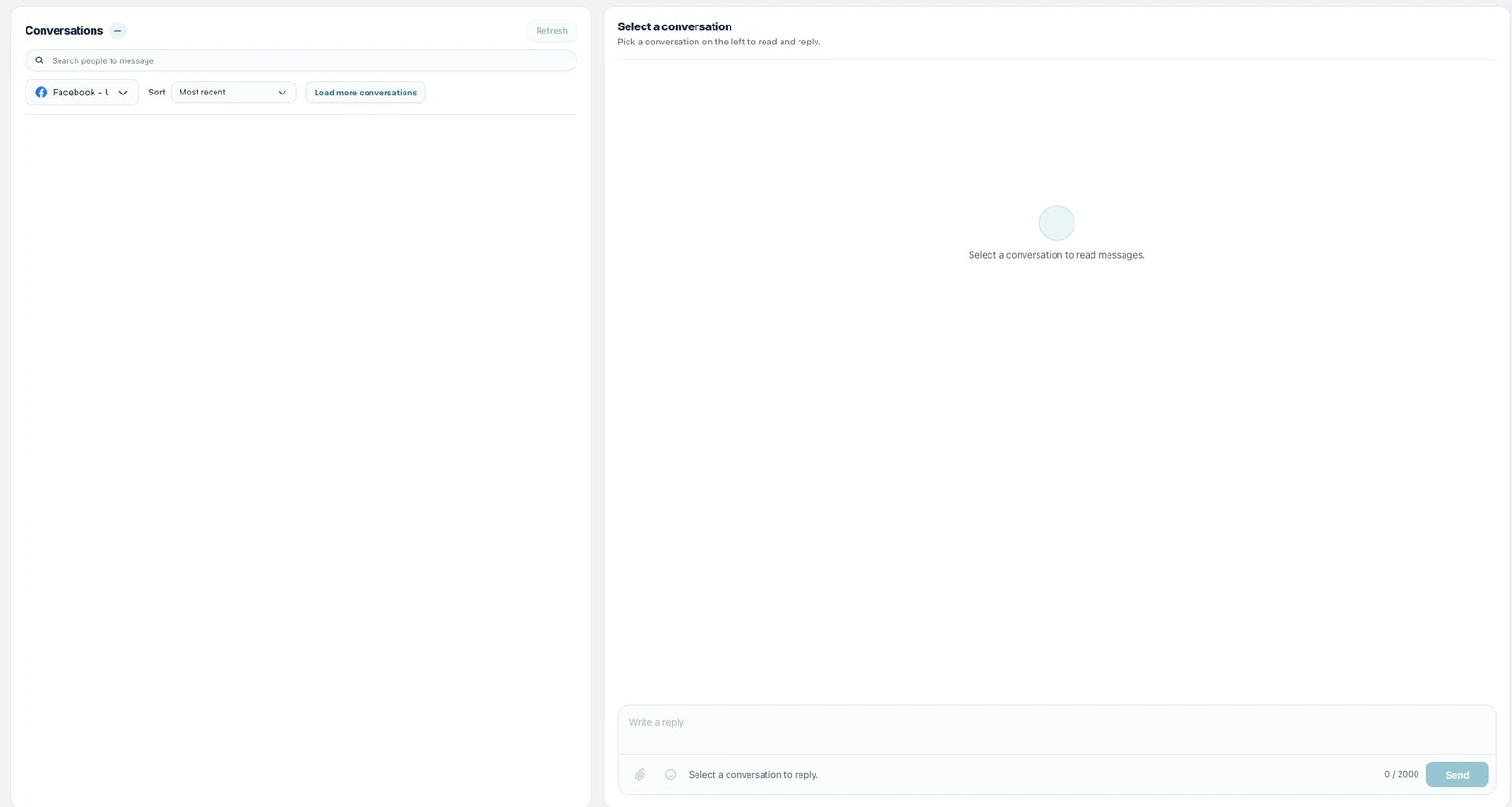
Open Inbox Messages, Comments or Reviews to see the sent replies and any items that still need attention.
Good to know
Platform rules can limit when a business may reply to a message. Sensitive or high-risk conversations are best handled by your team rather than the agent.
If something does not work
- A conversation is missing: check the selected workspace and connected account.
- A reply cannot be sent: check the account status and whether the platform still allows a reply.
- A reply misses the point: update the reply guidelines or give the agent a better source for the answer.
What to read next
Use broadcasts and sequences for messages to a larger audience, or comment-to-DM to reply automatically from a post comment.
Working directly in the app? Read Read and reply to direct messages.