
With Utin, an agent can send broadcasts and create message sequences for connected Facebook and Instagram accounts.
What you’ll achieve
Your broadcast will be sent to the chosen audience, or your message sequence will be active for contacts with the chosen tag.
Before you start: choose the right format
- Use a broadcast to send one message to an audience.
- Use a sequence to send several messages over time.
- Use comment-to-DM when a comment on a post should start the conversation.
1. Choose the sender and audience
Choose the Facebook or Instagram account that will send the messages. Then select the audience tag for a broadcast or the tag that starts a sequence.
2. Send a broadcast
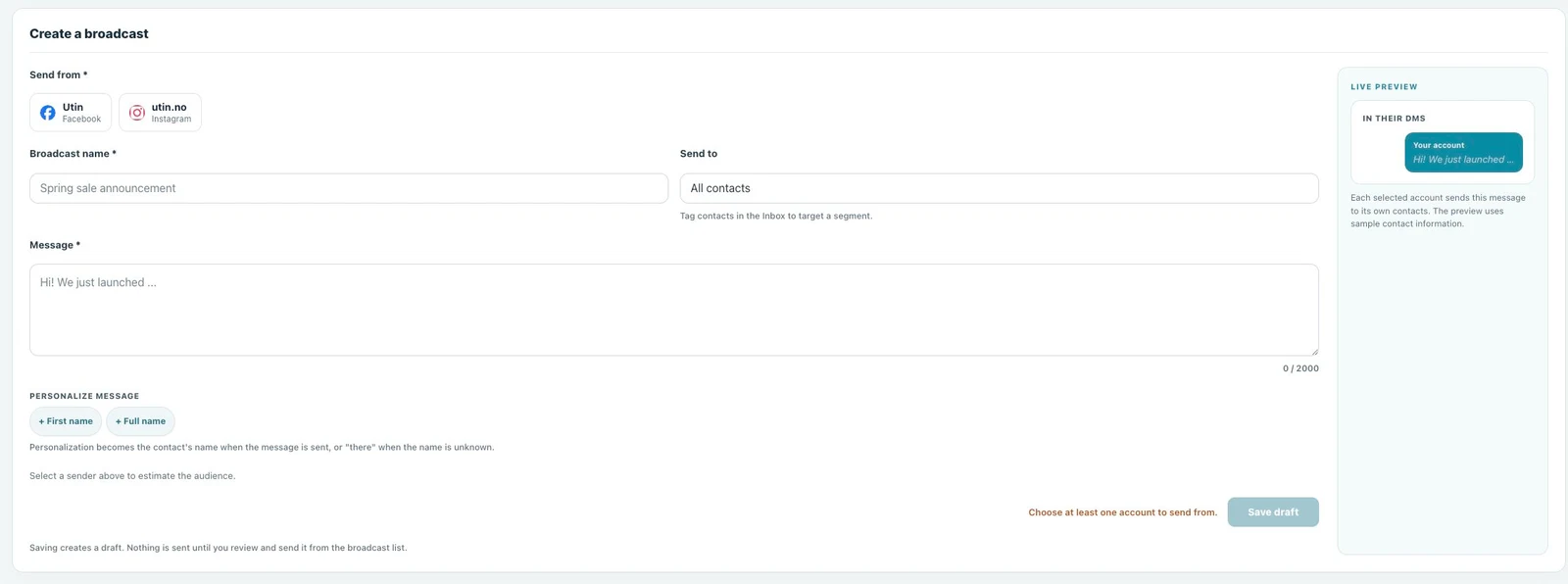
Give the agent the sending account, audience tag and complete message.
Prompt to copy
Send this broadcast from [Facebook or Instagram account] to contacts tagged [tag]:
[message]
3. Create and activate a sequence
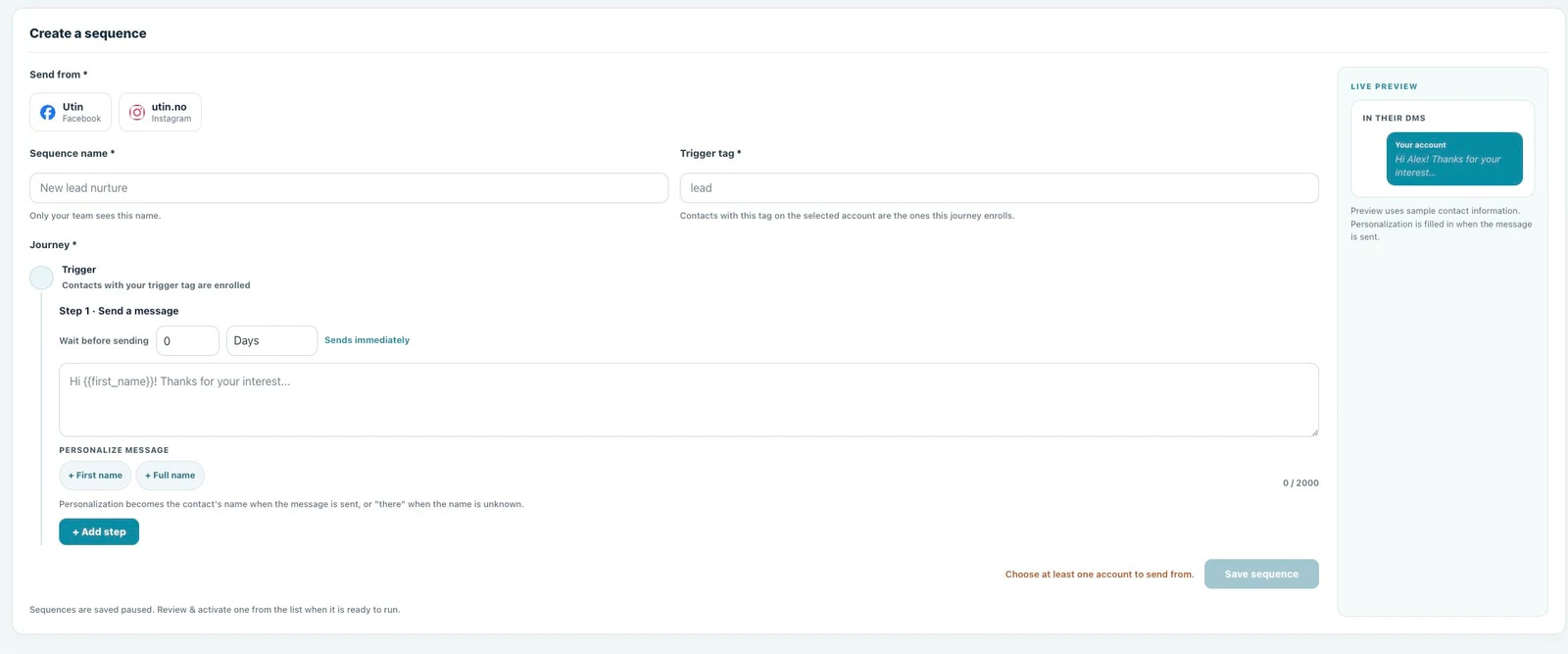
Give the agent the sending account, trigger tag, messages and the delay between each message.
Prompt to copy
Create and activate a message sequence from [Facebook or Instagram account] for contacts tagged [tag]:
[messages and timing]
4. Check the result in Utin
Open Automations → Broadcast to follow delivery, or Sequences to see the active sequence, enrolled contacts and results.
5. Improve the next message
Use delivery and response results to adjust the audience, message or timing the next time you send a broadcast or create a sequence.
Good to know
These tools are available for supported Facebook and Instagram messaging. Meta’s messaging rules and the connected account determine who can receive a message.
If something does not work
- The audience is empty: check that the tag belongs to the selected account and has contacts.
- The message cannot be sent: check the account connection and delivery status in Utin.
- The sequence feels too frequent: increase the delay or remove a message.
What to read next
Use engagement management to handle responses after the messages go out.
Working directly in the app? Read Create and send a broadcast.