
Your team in Utin
Your team can publish, handle conversations, manage campaigns and make decisions in one connected workspace.
For teams and AI agents
Publish, reply, run ads and see results in one workspace. Stop hopping between five tabs to do one job.
We help you connect your accounts and get set up.
See the workspace
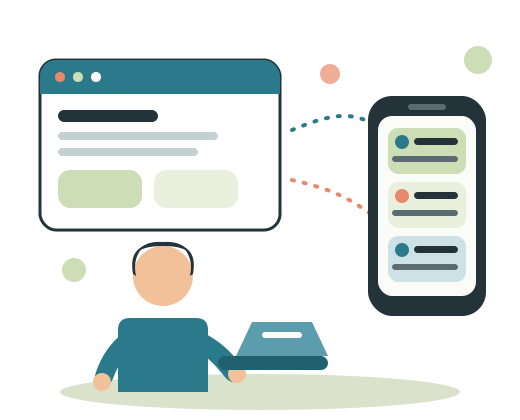
Plan, choose and get started
Use a worked weekly example and a calendar with clear ownership.
Read the guideCompare channels, formats and review needs before migrating accounts.
Read the guideUnderstand differences in networks, approvals and supported ad workflows.
Read the guideUtin supports five publishing networks. Ad operations cover Meta and standard, non-retail Google Performance Max. Check exact support and limitations
One workspace
Keep each brand's accounts, conversations and campaigns together, and pick up the work without starting over.
Set permissions on the company, then keep each brand's accounts, conversations and campaigns in its own workspace.
Handle comments, Facebook and Instagram messages, and Facebook reviews.
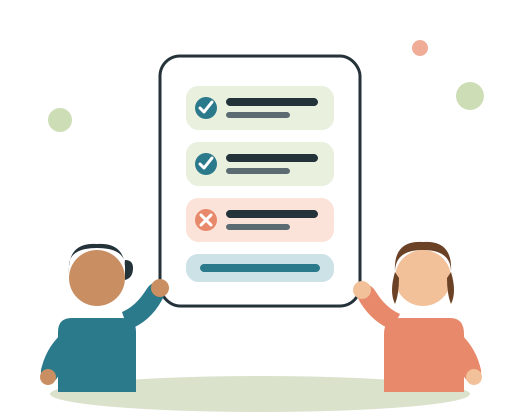
Publish across Facebook, Instagram, Threads, TikTok and YouTube.
Manage Meta and Google campaigns next to the posts you publish.
How it works
Set it up once. Keep each brand's people, accounts and activity in the right company and workspace.
Invite the team, choose what each person can do, and give each brand a workspace.
Connect the social and ads accounts you actually use.
Publish, respond, automate and manage campaigns without changing tools for every task.
Use the results to decide what to repeat, change or stop.
One place to work
Your team works in Utin while AI agents use the API to publish posts, send replies, create reports and manage ad campaigns with the accounts you have connected.
Explore the agent guides
Your team can publish, handle conversations, manage campaigns and make decisions in one connected workspace.
Agents can publish, retrieve results and work with supported ad campaigns through the API.
You decide what the agent will publish, send or change. Review the task before the agent carries it out.
Product tour
From setup to results: see how posts, conversations and ads stay in the same workspace.
Posts and ads
Built for teams that want the whole picture: what you published, what people said, and what the ads did.
Prepare and publish content across the major channels your audience uses.
Work through comments, messages and reviews without losing which brand they belong to.
On Facebook and Instagram, turn a comment into a private message, or send a broadcast or a follow-up sequence.
Create and manage campaigns on Meta and Google.
See how posts and campaigns performed for the company you are working in.
Let AI agents publish, read results and manage ads in the same workspace as your team.
From the team behind Utin
ReAI is a Norwegian all-in-one system for accounting and business operations, built with the same ambition to bring more of the work into one place.
Utin
Publishing, conversations, campaigns and results in one workspace.
Coordinate publishing, engagement, reporting and paid work from the same place.
Keep each client in their own company and workspace, without splitting posts and ads into different tools.
Get personal help connecting your company, channels and ad accounts.
Get started with Utin
Create an account and continue directly into the unified social media operations workspace.